
“Make it fast” sounds great until the third analytics script shows up, the page builder adds another widget pack, and the hero image quietly balloons to 1.8 MB. Then we miss timelines, we argue about scope, and profit slips away.
That’s why we use performance budgets. They’re speed limits we agree to before we build, like weight limits on a bridge. A budget protects the schedule and reduces last-minute surprises, but it also supports SEO and conversions because users don’t wait around.
We’re not chasing perfect Lighthouse scores. We’re preventing slow creep from plugins, tracking scripts, page builders, and oversized media. The numbers below map to the Core Web Vitals goals teams use in 2026 (LCP under 2.5s, INP under 200ms, CLS under 0.1), plus a few supporting limits that keep WordPress builds honest: TTFB under 300ms, page weight under 2MB, and requests under 60. Budgets vary by site type (marketing site vs LMS), but the method stays the same.
Our WordPress performance budget, with real numbers we can put in a proposal
Here’s a client-friendly budget table we can paste into a statement of work and point to during change requests.
| Metric | Budget (Target) | What it protects |
|---|---|---|
| Largest Contentful Paint (LCP) | < 2.5s | The main content feels loaded fast |
| Interaction to Next Paint (INP) | < 200ms | Clicks and taps feel immediate |
| Cumulative Layout Shift (CLS) | < 0.1 | The page doesn’t jump around |
| Time to First Byte (TTFB) | < 300ms | Server responds quickly, LCP stays achievable |
| Total page weight (compressed transfer) | < 2MB | Mobile users don’t pay the “slow tax” |
| Total requests | < 60 | Fewer moving parts, fewer bottlenecks |
We track both mobile and desktop because WordPress sites often look “fine” on a fast laptop, then fall apart on a mid-tier phone. Also, most client complaints come from mobile. For budgets, we treat mobile as the gate, and we treat desktop as a sanity check.
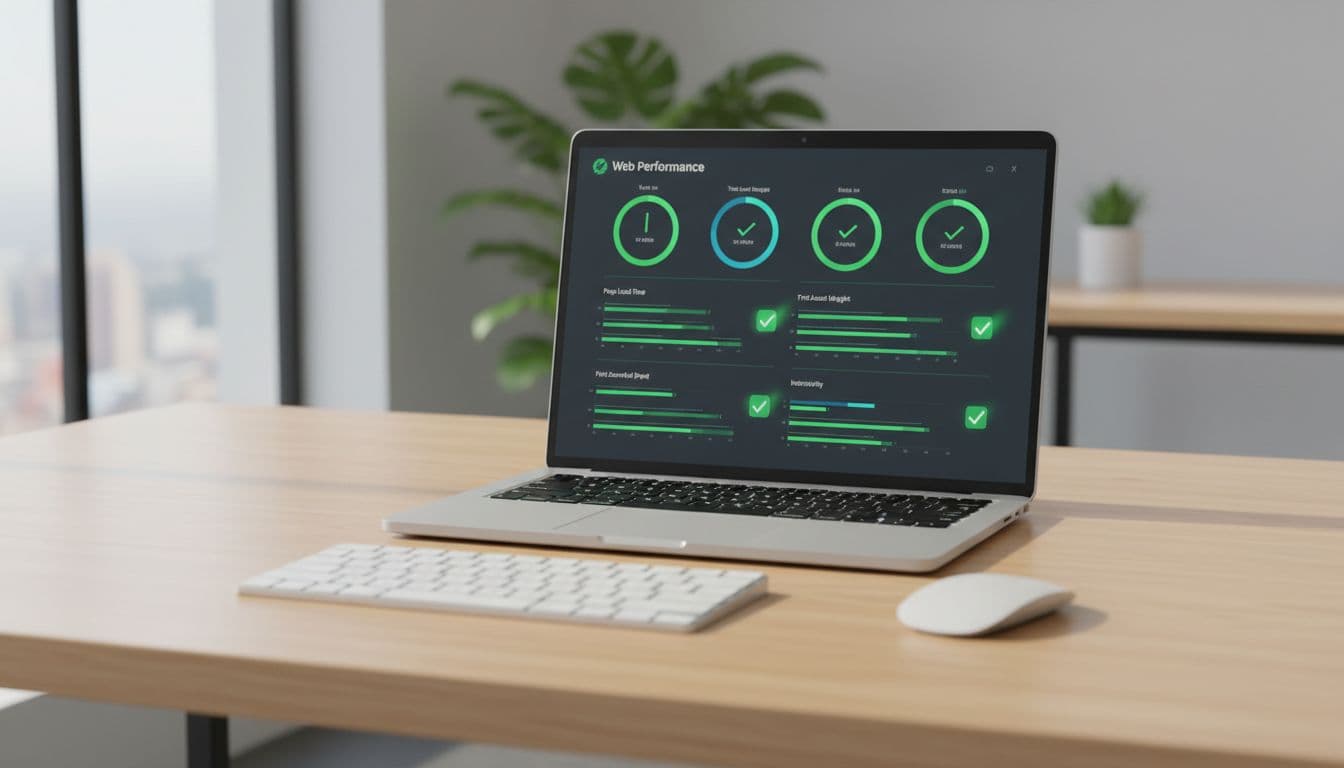
One more important point for 2026: INP has replaced FID as the interaction metric most teams should care about. INP reflects how the site behaves across user interactions, not just the first one. If we only optimize “first input,” we can still ship a site that feels sticky once people start clicking around. For additional WordPress-specific context on these metrics, we like this Core Web Vitals for WordPress guide.
What each metric means in plain English (so we can sell it)
We get better client buy-in when we describe metrics as promises, not scores.
LCP is “when the page feels loaded.” If LCP is high, the hero image or headline arrives late, and users bounce because they think the site is broken.
Client translation: “Your most important message shows up fast.”
INP is “how quickly the site reacts.” When INP is high, a tap on a menu or button feels delayed, like clicking through wet cement.
Client translation: “The site responds right away, so people keep moving.”
CLS is “whether the page shifts.” When CLS is high, people misclick because buttons move while they aim.
Client translation: “No surprise jumps, fewer mistakes, less frustration.”
TTFB is “how fast the server starts talking.” If TTFB drags, everything else starts late, including LCP.
Client translation: “The site wakes up quickly when someone visits.”
Requests and page weight describe how much we ask the browser to fetch. Too many requests raise the odds that one slow file slows the page. Too much weight punishes mobile users.
Client translation: “Less stuff to download means faster pages and fewer failures.”
The fine print, test conditions we must agree on before we measure anything
Budgets only work if we measure the same way every time. We set a baseline up front:
- Templates: we pick 3 to 5 key templates (home, a top landing page, blog post, contact page, plus course or checkout if needed).
- Tools: PageSpeed Insights and WebPageTest.
- Device and network: a mid-tier mobile profile on 4G (or similar), plus a desktop run for comparison.
Field data can lag because reporting aggregates real visits over time. So we use lab tests as release gates, then we watch real-user trends post-launch. If you need a refresher on what changed and what still matters in 2026, this Core Web Vitals in 2026 summary is a helpful snapshot.
A budget without test conditions isn’t a budget. It’s an argument waiting to happen.
How we set budgets that survive real WordPress builds (themes, plugins, and page builders)
Most budgets fail for three reasons: images, third-party scripts, and JavaScript bloat from page builders and add-ons. WordPress makes it easy to add “just one more plugin,” so we treat performance as part of discovery and change control, not a polish task at the end.
We also set expectations early about compatibility and troubleshooting. In general, well-coded WordPress themes can work fine with most LMS and marketing stacks. Still, known conflicts and feature overlap happen, especially once multiple builders, forms, and optimization plugins pile up. That’s why we plan for systematic troubleshooting instead of guessing.
Start with a baseline, then “buy” features with budget points
Our repeatable method looks like this:
- We start from a clean baseline (theme, core plugins, caching, and basic analytics).
- We test our chosen templates and record the scorecard.
- We add features one at a time, then re-test, so every change has a measurable cost.
In other words, every plugin, widget, tracking tag, or embed must “show its receipt” in ms, KB, and requests.
Concrete examples we see often:
- Switching hero images to WebP or AVIF can save hundreds of KB on the first view, which usually helps LCP.
- Adding a properly configured CDN and caching can shave noticeable time off LCP because the server and edge respond faster.
- Delaying non-critical scripts (chat, heatmaps, some tracking) can reduce main-thread work, which tends to improve INP.
We also quantify tradeoffs early. A heavy animation might add 300 to 700ms of rendering delay on mid-tier phones. That’s not “bad design,” but it is a cost, and the client should choose it knowingly.
Budget breakers we see the most, and what we do instead
Some problems show up on almost every slow WordPress build:
- Oversized hero images and background videos
- Too many fonts (families and weights)
- Chat widgets and tag managers on every page
- Slider plugins that ship a lot of JavaScript for a small visual win
- Builder widget packs that load site-wide assets “just in case”
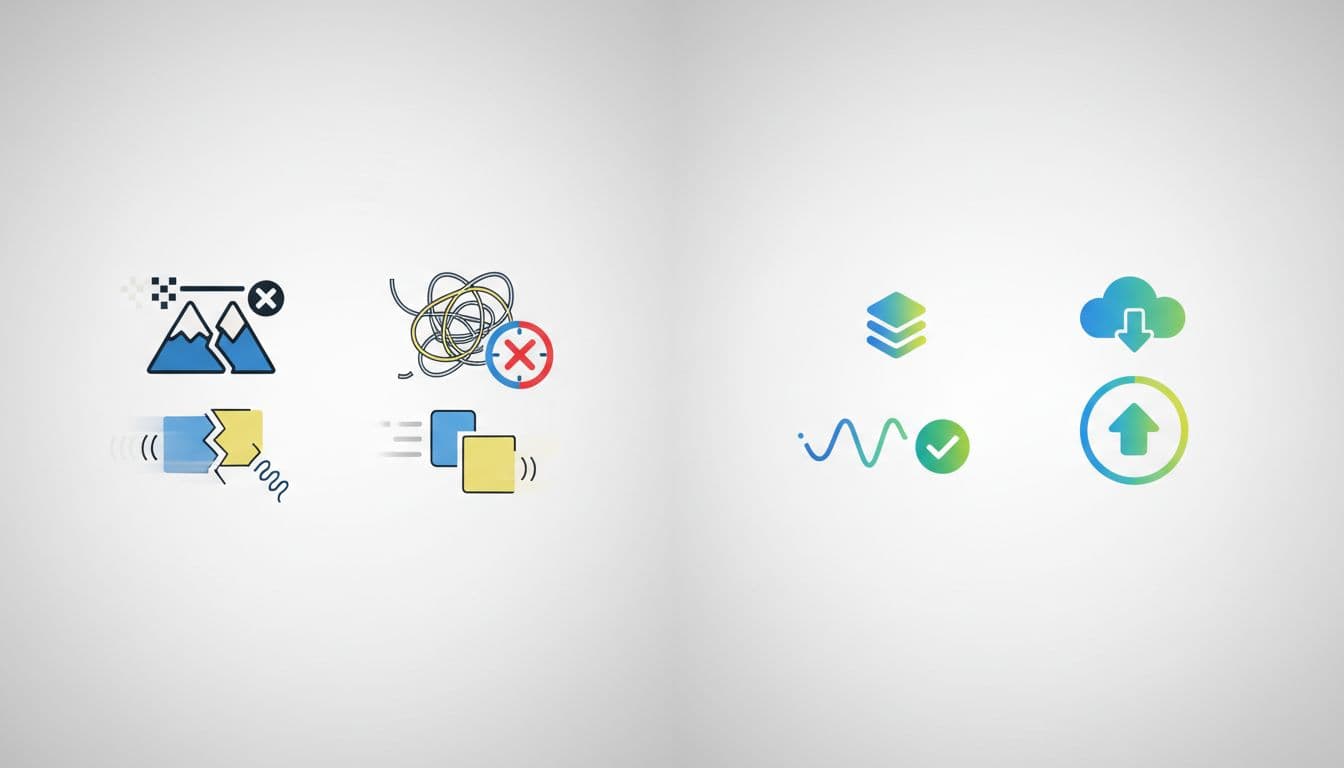
The fixes are usually simple, but they require discipline:
We resize and compress images to the exact display size, and we reserve space for media to keep CLS down. We limit fonts to one family when possible, with a small set of weights. We load third-party scripts only where they’re needed (for example, don’t load a scheduler on every blog post). When a slider exists only to “add movement,” we replace it with a static section and a strong call to action.
Builder-heavy sites can still be fast, but only if we keep widgets and add-ons under control. If your team wants a broader WordPress speed checklist, this WordPress speed optimization guide covers many of the usual suspects we run into.
Performance budgets for course and membership sites (LifterLMS and similar)
Course platforms add complexity that marketing sites rarely have: logged-in dashboards, course catalogs, lesson flows, quizzes, memberships, and checkout. That mix makes performance budgets even more valuable because we can add features without slowly breaking the student experience.
With LifterLMS specifically, we like that the core plugin is powerful on its own. It can handle a lot before we add extra tools. The risk usually shows up when we stack integrations and add-ons for payments, email marketing, community features, and advanced quizzes. Each add-on can introduce scripts, styles, and database work that affects LCP and INP.
Payments deserve extra attention. Whether we’re using Stripe, PayPal, or Authorize.Net for one-time or recurring subscriptions, reliability and responsiveness matter as much as raw speed. A sluggish checkout feels untrustworthy, even if the rest of the site looks great.

Which LMS pages must hit the strict budget, and which can be “good enough”
We use tiers so the budget matches business value:
Tier 1 (strict budget): home, sales pages, course catalog, course landing pages, checkout. These pages drive acquisition and revenue, so they should meet the full budget (LCP < 2.5s, INP < 200ms, CLS < 0.1, plus weight and requests).
Tier 2 (near-budget): lesson pages and student dashboards. We still optimize hard, but we may accept slightly higher page weight if it improves learning (for example, better video delivery or interactive elements). Even then, we avoid avoidable bloat.
Tier 3 (internal): admin reporting and instructor tools. These are behind the scenes. Usability and clarity come first, although we still fix obvious slowness.
Core Web Vitals still matter most on public pages because that’s where SEO and first impressions happen. For practical ideas to hit LCP targets consistently, this step-by-step LCP guide provides a solid checklist we can adapt to our stack.
Integrations we plan for up front so they do not blow up INP
Learning sites often need forums, communities, forms, and automation. The common WordPress choices can be great, but they come with performance costs:
Forums like bbPress, social layers like BuddyPress, builders like Elementor or Beaver Builder, plus form plugins and email tools, can all add scripts and requests. Even “nice to have” items like popups and trackers can hurt INP because they run code on every interaction.
So we use one rule: load only what we need, where we need it.
For checkout pages and purchase flows, we keep third-party scripts minimal and we test INP on real devices. If we connect to legacy tools (for example, Infusionsoft through WP Fusion), we validate that we’re not injecting heavy tracking on every page view. For deeper guidance on diagnosing JavaScript and interaction issues, this Core Web Vitals optimization guide is a useful reference point.
How we enforce the budget in an agency workflow (so it does not turn into a fight)
Budgets fail when they live in someone’s head. They work when we make them part of the workflow and the contract language.
We keep it lightweight:
- Set the budget during discovery, before design and build decisions lock in.
- Measure at three checkpoints: prototype, pre-launch, post-launch.
- Use a clear change path when new features break budgets.
We also use systematic troubleshooting when something goes sideways. We isolate the change, check for conflicts, and fix the root cause. Guessing wastes hours, and it usually makes the site worse.
A simple “speed gate” checklist we can use before launch
Before launch, we run a short gate on our chosen templates:
- Test 3 to 5 agreed templates in PageSpeed Insights and WebPageTest
- Confirm LCP, INP, CLS, and TTFB targets
- Confirm total page weight and request count
- Verify caching works (page caching and object caching as appropriate)
- Confirm images use modern formats and correct dimensions
- Confirm third-party scripts are delayed or limited by page type
- Re-test after last-minute tracking additions
One policy saves real pain: no new plugins in the final 48 hours without re-testing. That rule protects us and the client.
What we do when the budget fails, without derailing the project
When a page misses budget, we triage in a fixed order:
- Hosting and TTFB: if the server starts slow, everything else struggles.
- Images: we fix hero size, compression, and preload priorities.
- Render-blocking CSS/JS: we reduce what blocks initial paint.
- Third-party scripts: we remove, delay, or scope them to specific pages.
- Plugin and theme conflicts: we disable and isolate until we find the offender.
Then we document the cause and offer options: remove the feature, replace it with a lighter approach, or accept a measured tradeoff with sign-off. If you want extra context on common bottlenecks and why they hit conversions, this 2026 WordPress Core Web Vitals speed guide aligns with what we see in real builds.
When we treat performance as scope, not polish, we stop “surprises” from eating the project.
Conclusion
Performance budgets turn “make it fast” into a testable agreement. When we commit to LCP < 2.5s, INP < 200ms, CLS < 0.1, TTFB < 300ms, page weight < 2MB, and requests < 60, we get clearer tradeoffs and fewer late-stage fights.
As a result, we protect timelines, keep scope clean, and ship sites that feel trustworthy. If we want better SEO outcomes and happier clients, a budget belongs in the next proposal. Start by auditing a few key templates, set a baseline, then add plugins and integrations only after they “pay” for their performance cost.